
Flutter AI Integration Guide: LLMs, On-Device ML, and What Actually Ships
Practical guide to integrating AI into Flutter apps in 2026: cloud LLM APIs (OpenAI, Claude, Gemini), on-device ML with tflite_flutter and ML Kit, streaming patterns, state management, and real cost numbers.

Most “Flutter AI” tutorials stop at a 30-line http.post() to OpenAI and call it done. That’s fine for a proof of concept. It will get you fired from a production codebase.
We’ve shipped AI features in 40+ Flutter apps over the last 18 months. This guide covers the three integration patterns we actually use: cloud LLM APIs, on-device ML, and hybrids. Real Dart code, real cost numbers as of mid-2026, and honest notes on where each pattern breaks in production.
TL;DR: Which AI Pattern for Which Problem?
| Use case | Pattern | Package |
|---|---|---|
| Chat, summarization, classification, code gen | Cloud LLM API | http + dart_openai / raw dio |
| Image labelling, face detection, text recognition | On-device ML | google_mlkit_image_labeling, google_mlkit_text_recognition |
| Speech-to-text (offline) | On-device ML | google_mlkit_smart_reply / TFLite model |
| Custom fine-tuned model | On-device inference | tflite_flutter |
| PII-sensitive chat (medical, finance) | Hybrid | On-device filter → cloud LLM |
| Low-latency on unreliable networks | Hybrid | On-device fallback → cloud upgrade |
If your use case is text-in / text-out and you don’t have privacy constraints, go straight to a cloud LLM. Don’t add on-device complexity until you need it.
The 3 Integration Patterns
Pattern 1: Cloud LLM API Call (REST + SSE streaming)
The simplest approach: your Flutter app sends a request to an LLM provider and gets a response. The detail that matters is streaming. For anything over 100 tokens, you want Server-Sent Events (SSE), not a single blocking HTTP response. Waiting 8 seconds for a JSON blob while showing a spinner is bad UX. Streaming tokens as they arrive feels instant.
All major providers (OpenAI, Anthropic, Google Gemini) support SSE streaming on their completions endpoints. We default to SSE on every new chat surface we build, even for short responses, because users perceive “tokens arriving” as twice as fast as “result eventually appearing.”
When to use: Chat UIs, summarization, classification, prompt-driven features where latency is acceptable (1-5 seconds for first token).
When not to use: Sub-200ms response requirements, offline functionality, large volumes where per-token cost compounds quickly.
Pattern 2: On-Device ML (tflite_flutter / ML Kit)
Google’s ML Kit ships pre-trained models for common tasks: text recognition, barcode scanning, face detection, image labelling, language identification, smart reply. No API key, no network, no per-inference cost, sub-50ms latency on a modern device.
tflite_flutter lets you run any TensorFlow Lite model (including custom fine-tuned models) directly on the device. Inference runs on-device CPU or GPU delegate. On a recent retail client we shipped ML Kit barcode + label recognition for an inventory scanner and the entire feature cost us $0 in API spend at 12,000 scans a day.
When to use: Standard CV/NLP tasks (barcode, OCR, face detection), privacy-sensitive data that must not leave the device, offline-first apps, features where latency must be under 100ms.
When not to use: General-purpose language reasoning, tasks that need a model larger than ~100MB (download size becomes a problem), anything requiring up-to-date knowledge.
Pattern 3: Hybrid
Run a lightweight on-device model for fast/offline/private tasks, promote to a cloud LLM when you need depth or when the device model returns low confidence. In our builds, this is the architecture we reach for first whenever the app isn’t pure chat.
Example: OCR the receipt on-device (ML Kit, 30ms, no API cost), then send the extracted line items to a cloud LLM to categorize and summarize (1.5 seconds, roughly 300 tokens).
Code: Minimal Claude API Call with Streaming (Dart)
This is the pattern for any Anthropic Claude integration. Note the backend proxy requirement. See the security section below before exposing this directly from a mobile client.
import 'dart:async';
import 'dart:convert';
import 'package:http/http.dart' as http;

/// Streams a Claude response token by token via SSE.
/// [proxyUrl] should be your backend endpoint, not https://api.anthropic.com directly.
Stream<String> streamClaudeResponse({
  required String proxyUrl,
  required String userMessage,
  String model = 'claude-sonnet-4-5',
  int maxTokens = 1024,
}) async* {
  final request = http.Request('POST', Uri.parse(proxyUrl));
  request.headers.addAll({
    'Content-Type': 'application/json',
    // Auth header is handled by your backend proxy — never put API keys here
  });
  request.body = jsonEncode({
    'model': model,
    'max_tokens': maxTokens,
    'stream': true,
    'messages': [
      {'role': 'user', 'content': userMessage},
    ],
  });

  final response = await request.send();

  if (response.statusCode != 200) {
    throw Exception('LLM request failed: ${response.statusCode}');
  }

  await for (final chunk in response.stream.transform(utf8.decoder)) {
    for (final line in chunk.split('\n')) {
      if (!line.startsWith('data: ')) continue;
      final data = line.substring(6).trim();
      if (data == '[DONE]') return;

      try {
        final json = jsonDecode(data) as Map<String, dynamic>;
        final type = json['type'] as String?;

        // Anthropic SSE event type for streaming text
        if (type == 'content_block_delta') {
          final delta = json['delta'] as Map<String, dynamic>?;
          final text = delta?['text'] as String?;
          if (text != null && text.isNotEmpty) yield text;
        }
      } catch (_) {
        // Malformed chunk — skip and continue
      }
    }
  }
}
Usage in a widget:
class AiChatState extends ChangeNotifier {
  String _buffer = '';
  bool _isStreaming = false;
  String? _error;

  String get buffer => _buffer;
  bool get isStreaming => _isStreaming;
  String? get error => _error;

  Future<void> sendMessage(String message) async {
    _buffer = '';
    _isStreaming = true;
    _error = null;
    notifyListeners();

    try {
      await for (final token in streamClaudeResponse(
        proxyUrl: 'https://your-api.example.com/ai/chat',
        userMessage: message,
      )) {
        _buffer += token;
        notifyListeners();
      }
    } on Exception catch (e) {
      _error = 'Something went wrong. Try again.';
    } finally {
      _isStreaming = false;
      notifyListeners();
    }
  }
}
OpenAI Integration (Dio + Streaming)
The OpenAI streaming integration deserves its own walkthrough: secure backend proxy, the full Dio + SSE chat client, a streaming chat UI, error handling for 429s, and cost control. We split it into a dedicated tutorial rather than crammed it in here.
→ Flutter OpenAI Integration Tutorial: Streaming Chat UI with a Secure Backend Proxy. Full code walkthrough with the Express and Cloudflare Worker proxy options, non-streaming + streaming chat flows, and the chat UI built around them.
If you’ve already read the tutorial and want to compare against Claude or Gemini, the Claude streaming code above is the closest analogue (different endpoint, similar SSE shape).
State Management for AI Features
AI responses are the hardest UX state problem we hit in mobile work: they’re slow, they fail, they stream, they get rate-limited, and users can cancel mid-stream. A simple setState on a string will not hold up.
A ChangeNotifier (or Riverpod AsyncNotifier) with explicit phases is the right model:
enum AiResponsePhase { idle, streaming, complete, error, rateLimited }

class AiMessageNotifier extends ChangeNotifier {
  AiResponsePhase _phase = AiResponsePhase.idle;
  String _content = '';
  String? _errorMessage;
  int _retryAfterSeconds = 0;

  AiResponsePhase get phase => _phase;
  String get content => _content;
  String? get errorMessage => _errorMessage;

  Future<void> submit(String prompt) async {
    _content = '';
    _phase = AiResponsePhase.streaming;
    notifyListeners();

    try {
      await for (final token in _service.chatStream(messages: [
        {'role': 'user', 'content': prompt}
      ])) {
        _content += token;
        notifyListeners();
      }
      _phase = AiResponsePhase.complete;
    } on RateLimitException {
      _phase = AiResponsePhase.rateLimited;
      _retryAfterSeconds = 60; // back off; implement exponential backoff in prod
    } catch (e) {
      _phase = AiResponsePhase.error;
      _errorMessage = 'Request failed. Check your connection and try again.';
    } finally {
      notifyListeners();
    }
  }

  void reset() {
    _phase = AiResponsePhase.idle;
    _content = '';
    _errorMessage = null;
    notifyListeners();
  }
}
Key rules for AI state in Flutter:
- Always show a streaming cursor (animated blinking dot or rolling text). A frozen UI kills trust immediately.
- Make cancel available: wrap your
Streamin aCancelTokenor close theStreamSubscription. - Distinguish between retryable errors (rate limit, 503) and non-retryable (bad API key, 400 on invalid payload).
- Never block the main isolate for inference or API response handling.
Streamkeeps this async by default.
Cost, Latency, and Privacy Tradeoffs (Real Numbers, May 2026)
| Provider | Model | Input cost | Output cost | ~1k token round trip | Notes |
|---|---|---|---|---|---|
| Anthropic | claude-sonnet-4-5 | $3/M tokens | $15/M tokens | ~$0.0015 | Best for structured output |
| Anthropic | claude-haiku-3-5 | $0.80/M | $4/M | ~$0.0004 | Fast, cheap, good for classification |
| OpenAI | gpt-4o | $2.50/M | $10/M | ~$0.0011 | Strong coding + vision |
| OpenAI | gpt-4o-mini | $0.15/M | $0.60/M | ~$0.000075 | Very cheap for simple tasks |
| gemini-1.5-flash | $0.075/M | $0.30/M | ~$0.00004 | Cheapest for high-volume classification | |
| On-device (ML Kit) | — | $0 | $0 | 20-80ms on device | Fixed tasks only |
| On-device (TFLite) | — | $0 | $0 | 30-150ms | Custom models |
Latency context: We’ve benchmarked these on real customer apps over the last year. First token from a cloud LLM over mobile (4G) lands in roughly 500ms-1.5s. Total response for a 500-token reply: 3-8 seconds with streaming, or one blocking 8-second wait without. Always stream.
Privacy: Cloud LLMs mean your user’s input leaves the device. For medical, financial, or personal data, you need at minimum a backend proxy that strips PII before forwarding, a user-facing data disclosure, and ideally an on-device fallback for sensitive operations. We had one health-tech client switch their on-device PII stripper to a Cloudflare Worker stage before any cloud LLM call — added 40ms of latency, killed an entire class of compliance review questions.
Battery drain: Running TFLite inference in a tight loop (e.g., real-time camera + classification at 15fps) will drain battery aggressively. Profile with Android Profiler / Instruments. For always-on features, batch processing is strongly preferred over per-frame inference.
AI Features That Actually Make Sense in Mobile Apps
These are real features that ship and have measurable user impact. No demos.
Worth building:
- In-app chat with context (support assistant, onboarding helper, code explainer)
- Smart search (semantic search over user content: journal entries, notes, products)
- Receipt / document scanning (ML Kit OCR → LLM structuring → category tagging)
- Language translation on-the-fly (ML Kit language detection + cloud LLM for nuance)
- Notification triage / summarization (LLM condenses 20 notifications into a 2-line digest)
- Draft suggestions in text input (simple completions: high perceived value, low complexity)
- Barcode + image recognition for retail / inventory apps (pure ML Kit, zero cost)
Probably not worth building (in most apps):
- Real-time speech-to-text with LLM processing. The combined latency (STT + LLM) clears 3 seconds; most users prefer typing.
- Avatar generation or image generation. SDXL on mobile is impractical; cloud SD API costs compound fast.
- “AI-powered recommendations” that are actually just collaborative filtering. Don’t call it AI when it’s a simple ranking algorithm.
Common Mistakes
API key exposure. Never put an LLM API key directly in your Flutter app binary. It will be extracted and abused within hours of your app going live. Use a backend proxy. Even a simple Cloudflare Worker or Firebase Function as a thin auth layer prevents this. We’ve seen three client projects hit this in the past year. It’s not theoretical.
No streaming. Blocking the UI for 6-10 seconds while waiting for a JSON blob is inexcusable when SSE streaming is supported by every major provider. The first-token latency of ~800ms feels instant; waiting for the full response does not.
No error UX for rate limits. OpenAI 429s happen. Anthropic 529s happen at scale. If your app has no retry logic and no user-facing explanation, the experience is a frozen spinner. Catch RateLimitException separately, show a “busy, trying again in 30 seconds” message, and implement exponential backoff. We’ve watched two of our clients’ apps go from 4.1 to 4.6 App Store rating purely by adding a polite rate-limit message instead of the default spinner.
Ignoring token budget. A 10-message chat history sent with every request will eventually hit context limits and balloon costs. Implement a rolling window (last N messages) or summarize older turns into a compressed system context. In our experience, teams skip this in v1 and pay for it at 500+ DAU.
Blocking UI on long inference. TFLite inference on a large model (50MB+) can take 300-800ms. Run it in an Isolate, not on the main thread. compute() is the simplest path; Isolate.spawn() gives more control.
No cancel affordance. Users change their minds. If there’s no cancel button during a 6-second LLM response, they’ll close the app. We’ve watched it happen in session replays on three different client apps. Always expose a cancel path and close the underlying StreamSubscription.
How We Ship AI Features Faster
Our internal stack for AI-augmented Flutter development includes a prompt library for common Flutter tasks (state class generation, API service scaffolding, test generation) running inside Claude Code. Features that used to take 3 days of scaffolding now take 4-6 hours. We’ve validated this across dozens of client engagements, not just internal projects.
The practical difference for AI features: we have pre-built service abstractions for streaming LLM calls, retry logic, and cancellation that drop straight into any project. No reinventing the SSE parser on every engagement. Our delivery team prefers this composable-service approach over monolithic LLM client libraries because it’s easier to test and easier to swap providers when pricing shifts.
If you’re building an AI-powered Flutter app and want to move faster, see how we structure these projects.
Related reading
- Flutter OpenAI Integration Tutorial: Streaming Chat with Secure Proxy: full code walkthrough for the OpenAI-specific path covered briefly above.
- How We Ship Flutter Apps 2× Faster: AI Workflow: the development-side AI workflow (Claude Code + Cursor) that pairs with these in-app AI features.
FAQ
Can I call the OpenAI API directly from Flutter without a backend?
What's the best Flutter package for LLM integration in 2026?
How much does a typical AI feature cost to run per user per month?
Does running ML Kit or TFLite require special permissions?
How do I handle LLM responses that are slow or never arrive?
Is on-device LLM inference viable in Flutter yet?
Does Google Gemini have a Flutter-specific integration?
Ready to Ship?
AI features are table stakes for new mobile products in 2026, but the integration details are where most teams lose time. Wrong pattern, no streaming, no error UX, a rate limit they never tested for, an API key that leaks in week one.
Our AI-augmented Flutter delivery team has these patterns in production across multiple apps. If you want a Flutter team that already has the LLM service layer, the retry logic, and the prompt library ready to drop in, talk to a Flutter lead today. Scope and quote within 48 hours.
More from the blog
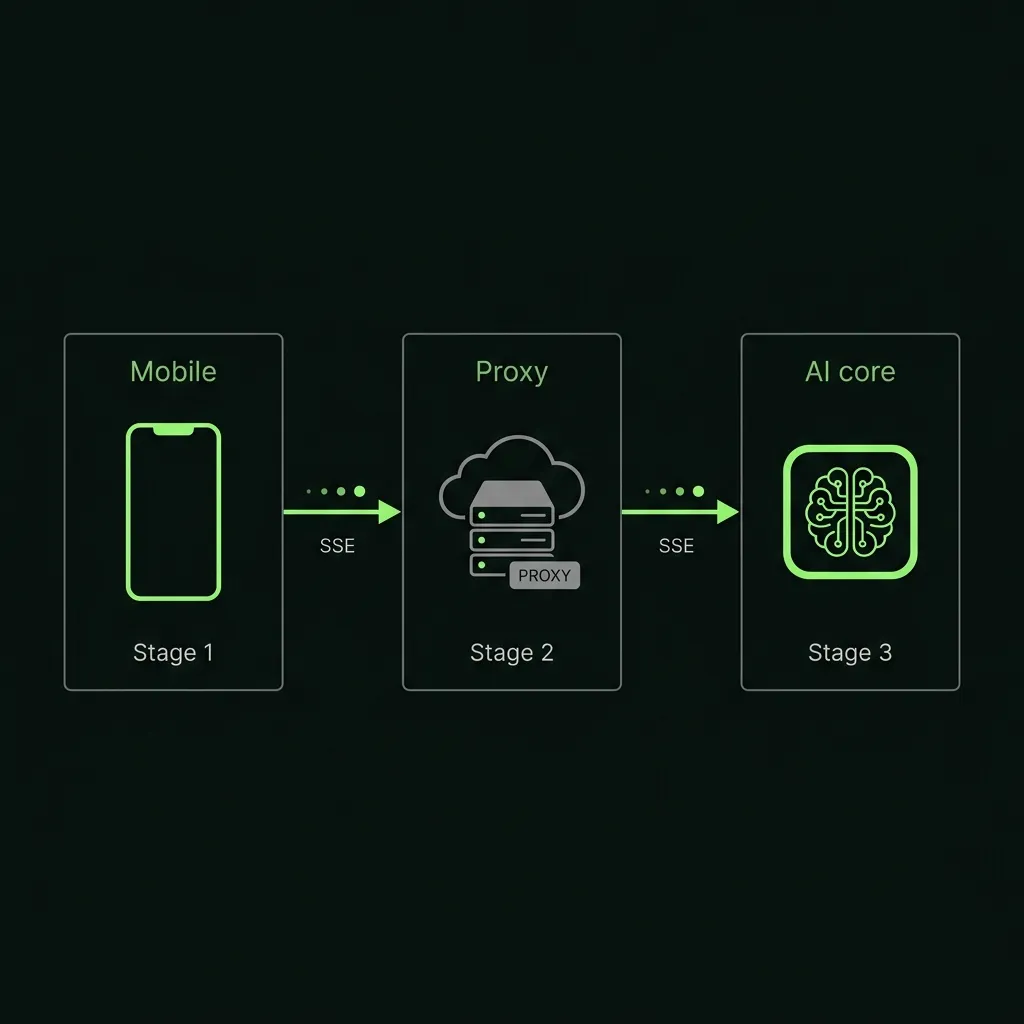
Flutter OpenAI Integration Tutorial: Streaming Chat UI with a Secure Backend Proxy
Step-by-step tutorial for integrating OpenAI's API into Flutter in 2026. Covers a secure backend proxy, non-streaming and streaming completions, a full chat UI, error handling for 429s, and cost control.
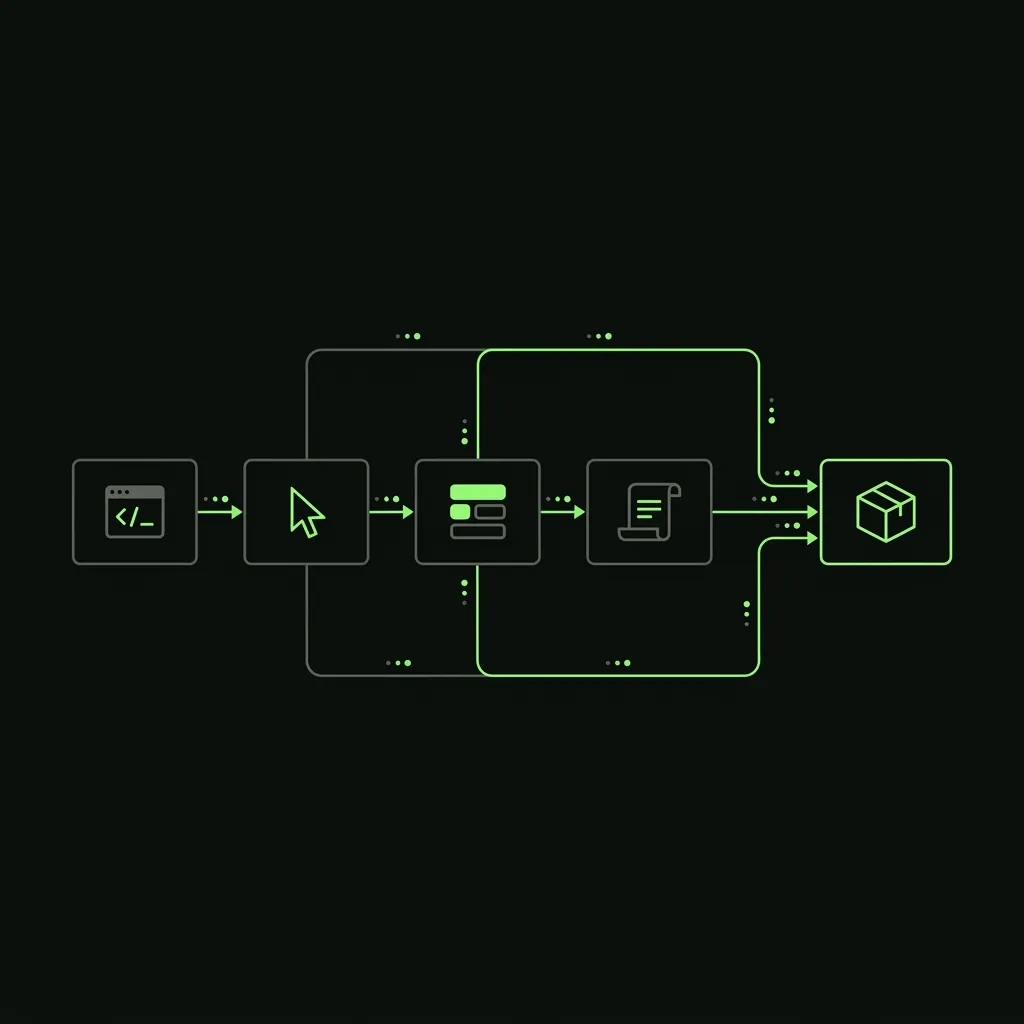
How We Ship Flutter Apps 2× Faster: Claude Code, Cursor, GetWidget, and a 30-Prompt Library
Inside the AI-augmented Flutter workflow we use on every project: Claude Code for agentic multi-file edits, Cursor for in-IDE refactoring, the GetWidget UI kit as a component fabric, and a 30+ prompt library refined across 1,000+ projects. Real velocity data, honest tradeoffs, and the 30% AI still can't own.
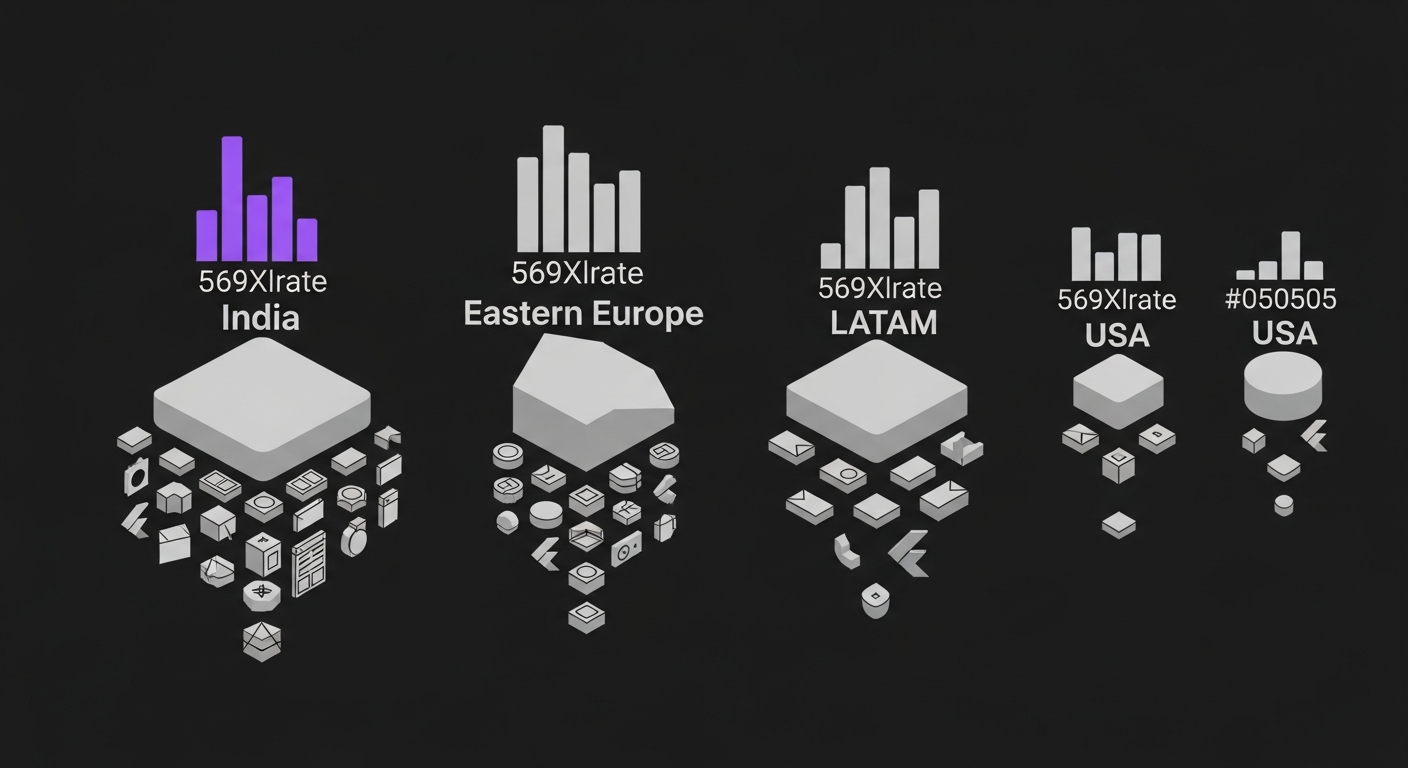
Flutter Developer Hourly Rates 2026: India vs US vs Eastern Europe vs LATAM
Honest 2026 comparison of Flutter developer hourly rates across India, USA, Eastern Europe, and LATAM. Real numbers from our hiring desk, not vendor marketing.
Hire vetted, AI-accelerated Flutter developers.
From $18/hr Junior to $60/hr Lead. 48-hour developer match. 30-day replacement guarantee.