
Native vs Hybrid vs PWA Mobile Apps: Which Should You Choose?
Real comparison of native, hybrid, and PWA mobile apps in 2026. Performance numbers, cost breakdowns, and an honest decision framework. No marketing spin.
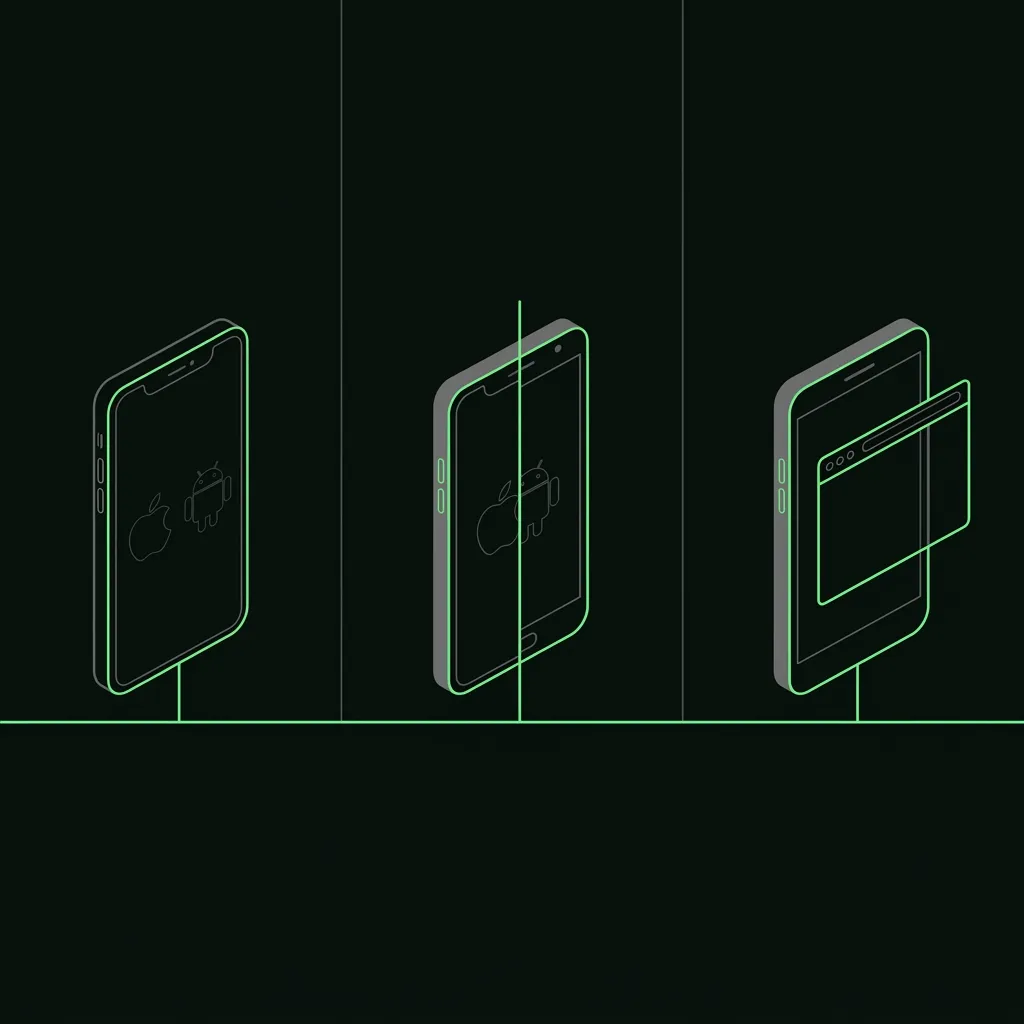
Most teams pick the wrong app type not because they don’t understand technology, but because they asked the wrong question. The question isn’t “what’s best?” It’s “what fits this project’s performance floor, budget ceiling, and shipping timeline?”
Here’s the short answer before the detail: Native wins on performance and device access. Hybrid (Flutter/React Native) wins for most product teams on cost and speed. PWA wins when your audience is web-first and you’re fighting app-install friction. Everything else below is the nuance.
In our experience scoping these decisions across 1,000+ projects, most teams already know which constraints matter. They just need an honest framework to confirm it.
TL;DR — Quick Decision Matrix
| Situation | Best Fit |
|---|---|
| Graphics-heavy game or AR/VR | Native (Swift/Kotlin) |
| Standard product app — limited budget | Hybrid (Flutter) |
| Internal business tool, web audience | PWA |
| One codebase, iOS + Android + web | Flutter (hybrid) |
| Existing JS team, needs mobile fast | React Native (hybrid) |
| Offline-first, complex hardware access | Native |
| Marketing or e-commerce web experience | PWA |
| Speed to market is the top priority | Flutter + AI-augmented team |
What These Terms Actually Mean in 2026
The definitions have drifted a lot since the early cross-platform era. Here’s what each label actually means today, not what it meant in 2017, based on the projects our team scopes weekly.
Native Apps
A native app is written in the platform’s own language (Swift or Objective-C for iOS, Kotlin or Java for Android) and compiled directly to machine code. There is no translation layer between your code and the hardware.
What that means practically:
- Direct access to every device API the day Apple or Google ships it (Bluetooth, ARKit, HealthKit, NFC, background processing, widgets)
- Fastest possible cold start (typically under 600ms for a lean app)
- Full adherence to each platform’s design system (HIG on iOS, Material 3 on Android)
The cost, and we say this on every scoping call where native comes up: you’re building two separate apps. Two codebases, two teams, two review cycles, two sets of bugs. For companies with dedicated iOS and Android engineering teams, that’s fine. For everyone else, it’s an expensive way to solve a solved problem.
Hybrid Apps
“Hybrid” means a single codebase that compiles to native-like experiences on both platforms. In 2026, “hybrid” almost always means Flutter or React Native. The older Ionic/Cordova/PhoneGap era of wrapping a WebView is largely dead for new projects.
The key distinction: Flutter and React Native are not WebView apps. Flutter compiles to native ARM code and draws UI via its own rendering engine (Impeller). React Native’s New Architecture (Fabric + TurboModules, stable since 0.73) uses a JSI bridge that synchronously calls native code with no async bridge overhead.
This matters because the 2017 critique (“hybrid feels sluggish”) is obsolete for these frameworks, and we still hear it from CTOs who haven’t touched a Flutter build since 2019. The tradeoff has shifted from “performance vs. cost” to “code sharing convenience vs. deep native API access.”
Progressive Web Apps (PWAs)
A PWA is a web app delivered via a standard browser that opts into mobile-app behaviors: offline support via Service Workers, installability (Add to Home Screen), push notifications, and some device API access.
What PWAs actually get you in 2026:
- Service Worker offline caching: your app works on a flaky subway connection
- Web App Manifest: installable shortcut on home screen, launches without browser chrome
- Push notifications, now available on iOS 16.4+ (finally)
- Web Bluetooth, Web USB, Web Share API, Badging API on supported browsers
- Background sync (limited, browser-dependent)
What PWAs don’t get you:
- NFC on iOS (not available to web apps)
- Background location on iOS
- In-app purchase APIs (no App Store / Play Store distribution)
- ARKit, HealthKit, Watch connectivity, CarPlay
- App Store visibility and organic discovery
PWAs are a real option for the right use case. They’re not a budget shortcut to avoid mobile development. They’re a distinct delivery model suited for web-primary audiences. We’ve shipped two PWAs for B2B SaaS clients in the last year where this was clearly the right call, and we’ve talked three other clients out of it where it wasn’t.
Performance Comparison — Real Numbers
Performance is the most-cited reason to choose native, and also the most-misunderstood one. We get the “but will it be fast enough?” question on almost every scoping call, and the answer almost never lines up with what the prospect expected. Here’s what the data actually shows.
Cold Start Time
Cold start is the time from tapping an icon to an interactive first screen. Measured on a 2024 mid-range device (Pixel 7 / iPhone 14 baseline):
| Approach | Cold Start (median) |
|---|---|
| Native Swift/Kotlin | 450–650ms |
| Flutter (Impeller, release build) | 700–900ms |
| React Native (New Architecture, release) | 850–1,100ms |
| Ionic/Capacitor (WebView hybrid) | 1,200–1,800ms |
| PWA (first load, cached after) | 400–600ms (first), ~200ms (cached) |
Flutter’s cold start is ~200–300ms slower than native on the same device. Most users won’t notice. React Native’s New Architecture closed the gap significantly from the 2021 numbers. The old-style WebView hybrids (Ionic with a DOM-heavy UI) are still slow; that reputation was earned, and we inherited a Cordova app from a client last year that took 1.7 seconds to first interactive on a Pixel 7.
Frame Rate and Animation Smoothness
60fps is the floor for any app that users won’t find janky. 90fps and 120fps are increasingly common on high-refresh-rate devices.
- Native: 120fps on ProMotion displays with minimal effort, because you’re in the platform’s own rendering stack.
- Flutter: Consistent 60fps target met on most devices. 120fps support was added in Flutter 3.x via
FlutterView’s display refresh sync. It works, but requires explicit enablement and device support. - React Native (New Architecture): Achieves consistent 60fps. 120fps support is in progress but not yet a first-class primitive.
- PWA: 60fps for CSS-animated UI is achievable; complex canvas or WebGL is where browser rendering lag becomes noticeable.
For animation-heavy or game-like UIs, native or Flutter are the clear picks, and our design leads default to Flutter for anything with custom transitions. We ship mostly Flutter on this exact axis: custom animation work where our designers want pixel-level control. For most product apps (forms, lists, navigation, cards), all three approaches can hit 60fps with competent implementation.
Bundle Size
Shipped app size affects download conversion rates. Google data shows a ~1% drop in install rate per 6MB of additional APK size.
| Approach | Baseline Release Size |
|---|---|
| Native Swift (iOS .ipa) | 4–8 MB |
| Native Kotlin (Android .apk) | 2–5 MB |
| Flutter (Android release .apk) | 12–16 MB |
| React Native (Android release .apk) | 10–13 MB |
| PWA | N/A (no app store download) |
Flutter carries Impeller and the Dart runtime; React Native carries the JS engine. Neither is a problem for most users on 4G/5G. It does matter in markets where data is expensive (Southeast Asia, Latin America, parts of Africa) or if your app grows large. We had one client targeting Indonesia who specifically asked us to enable deferred components to cut the install size by 4MB.
Development Cost and Time — Honest Numbers
This is where the native-vs-hybrid decision actually gets made for most teams. We’ve seen plenty of projects where the performance conversation closed fast and the cost conversation took three meetings.
Time to Ship a Standard MVP (6–8 screens, auth, 2–3 API endpoints)
| Approach | Team Setup | Estimated Calendar Time |
|---|---|---|
| Native (iOS + Android separately) | 2 devs (1 iOS, 1 Android) | 14–20 weeks |
| Native (iOS first, Android later) | 1 senior iOS dev | 8–12 weeks iOS, +10–14 weeks Android |
| Flutter (hybrid) | 1–2 Flutter devs | 8–12 weeks |
| Flutter + AI-augmented team | 1 lead + AI tooling | 4–7 weeks |
| React Native (hybrid) | 1–2 RN devs | 9–13 weeks |
| PWA | 1–2 frontend devs | 4–8 weeks |
The AI-augmented Flutter number is real. Teams using Claude Code, Cursor, and a shared prompt library alongside a UI kit like GetWidget are shipping MVPs in 4–6 weeks that previously took 10–12. The workflow acceleration dwarfs framework choice. We track this with timestamped commits on every project.
Developer Rates (2026)
| Role | US Rate | India Vetted Rate |
|---|---|---|
| Native iOS (Swift) Senior | $100–160/hr | $40–60/hr |
| Native Android (Kotlin) Senior | $95–150/hr | $38–55/hr |
| Flutter Senior | $90–140/hr | $35–50/hr |
| React Native Senior | $100–150/hr | $40–55/hr |
| Frontend / PWA Senior | $85–130/hr | $30–45/hr |
For our team specifically, rates run from $18/hr junior to $60/hr lead for Flutter development, AI-augmented, with a 30-day replacement guarantee. That’s not a universal figure, but it’s the range for an offshore-augmented team with vetted senior oversight.
The cost math for most product companies: a 12-week Flutter build at $40/hr for two developers = ~$38,000. The same scope built natively (two separate codebases) at the same rate = ~$70,000–90,000. The code-sharing advantage is measured in tens of thousands of dollars. Not percentages.
Ecosystem and Tooling
Native Ecosystem
Both Apple and Google ship their newest APIs (on-device AI, live activities, widgets, Dynamic Island, HealthKit, ARKit, CarPlay) to native first. The lag to hybrid frameworks varies:
- Camera and biometrics: available same-day via Flutter/RN plugins
- ARKit / ARCore: usable from Flutter (ar_flutter_plugin) and RN, but with reduced feature depth
- iOS Live Activities: no Flutter support as of mid-2026 (native only)
- Apple Watch / Wear OS: native only
If your app’s core value proposition depends on day-one access to new platform features, native is the correct choice. No workaround exists for this one, and we will say so on the first call.
Flutter Ecosystem
Flutter’s pub.dev now has 38,000+ packages (as of May 2026). The key gaps that still exist:
- Payments:
paypackage covers Apple Pay / Google Pay; Stripe’s Flutter SDK is production-grade - Maps:
google_maps_flutterworks but has more rough edges than react-native-maps - Video calling: WebRTC via
flutter_webrtcworks; Agora and Twilio have official Flutter SDKs - State management: Riverpod and BLoC are the dominant patterns, more opinionated than RN’s options. That can be an advantage (less architectural drift on teams)
UI components are Flutter’s strongest ecosystem story. Material 3 and Cupertino are built-in. For production-ready component libraries, open-source kits like GetWidget cover 100+ widgets used in over 100,000 Flutter apps globally.
PWA Ecosystem
PWAs benefit from the full web ecosystem: npm, React, Vue, Svelte, every frontend library. The tooling is mature. The constraints are browser API limitations, not library quality. We staffed a PWA build for an internal logistics dashboard last quarter and the team’s productivity was the highest we’ve seen all year, mostly because they reused their existing React component library.
When Each Option Actually Wins
No hedging. These are the situations where each approach is genuinely the correct call. We turn down Flutter work in the native column ourselves rather than push a tool that won’t serve the project.
Go Native when:
- Your app’s primary feature is something only native APIs support at launch (ARKit spatial features, HealthKit data, Live Activities, CarPlay, hardware peripherals via MFi program)
- You’re building a high-performance game or real-time 3D experience
- You have the budget and team headcount for two separate mobile codebases
- Your app is in a regulated industry (healthcare, finance) where you need per-platform security audits anyway
Go Flutter (Hybrid) when:
- You want a single codebase shipping to iOS + Android (and optionally web)
- Your team is starting fresh with no existing mobile codebase
- You’re optimizing for time-to-ship and cost efficiency
- Your UI is product-grade but doesn’t need platform-specific visual quirks
- You’re hiring offshore-augmented teams. Flutter’s talent pool in India is the deepest and most vetted, which is the pool our own bench is drawn from
Go React Native when:
- Your existing engineering team is React / JavaScript. The ramp from React to React Native is weeks, not months
- You need maximum third-party SDK compatibility with minimal integration work (older, larger native SDK ecosystem)
- You’re building a content-heavy or text-reading app where native view rendering has clearer accessibility wins
Go PWA when:
- Your primary audience reaches you via web, not app stores
- You’re building a business tool or dashboard that’s also used on desktop
- App install friction is a real drop-off problem in your funnel
- You need to push updates without app store review cycles
- You’re building for markets where app storage space is at a premium
Where Flutter Fits in This Picture
Flutter is the hybrid option we build with, so it’s worth being specific rather than promotional.
Flutter is not “native,” but calling it “just a hybrid” misrepresents how it works. Flutter compiles Dart to native ARM code. Its rendering engine (Impeller, which replaced Skia as default in Flutter 3.19) draws pixels directly, bypassing the platform’s native view hierarchy entirely. That’s why Flutter’s frame consistency is high. It doesn’t depend on the platform’s UIKit or Android View system to render.
The practical result: Flutter apps feel native to users who aren’t specifically looking for “does this feel like a stock Apple UI?” If your app needs to feel indistinguishable from a stock iOS app (all of Apple’s exact animations, transition physics, and system font rendering), Flutter requires extra polish. We spent six weeks on exactly that for one fintech client whose brand audit insisted on platform-perfect iOS behaviour. If your app has its own design language, Flutter is at least as good as native.
In our view, the case for Flutter in 2026 is primarily economic and logistical: one codebase, a deep vetted talent pool at competitive rates, and tooling that has caught up to the performance parity questions. The case against is narrow. You need bleeding-edge platform APIs on day one, or your app is a game.
If you’ve already ruled out PWA and you’re choosing between Flutter and going fully native, the head-to-head with deeper benchmarks lives here: Flutter vs Native iOS/Android in 2026 — Cost, Speed, Quality. We won’t repeat that whole comparison in this post.
Our Flutter delivery team covers this stack end-to-end, from architecture to delivery, for teams that want AI-augmented speed without sacrificing code quality.
Decision Framework — 4 Questions to Ask Before You Commit
Before picking an approach, answer these four questions. They’ll surface the constraint that should drive the decision.
1. What device APIs are non-negotiable for your core feature?
List the hardware and platform APIs your MVP cannot ship without. Check caniuse.com equivalent resources for Flutter (flutter.dev/docs) and PWA (whatwebcando.today). If your core feature needs Live Activities, ARKit spatial features, or HealthKit write access, native is the answer and the rest of this comparison doesn’t matter.
2. What’s your actual team composition right now?
Not “what team could you build?” What do you have today? An existing React.js team should seriously evaluate React Native before retraining to Flutter/Dart. An existing iOS team should evaluate whether the cross-platform savings justify the retraining cost. A team starting fresh should default to Flutter unless question 1 overrides it.
In our scoping calls, this single question reframes about a third of the conversations we have.
3. What does the 18-month maintenance cost look like?
The build cost is visible; the maintenance cost is invisible until it isn’t. Native apps need OS update testing cycles twice a year per platform. Flutter and React Native need framework-level upgrades (usually smoother, but still real). PWAs need browser-compatibility testing. Budget at least 20% of initial build cost per year for maintenance in your projections. We’ve seen clients ignore this and regret it.
4. Who is your audience and how do they find you?
If 80% of your users arrive via web search and have low app-install intent, a PWA outperforms an app on conversion alone, regardless of feature parity. If your audience is app-native (they search the App Store, they expect a downloaded experience), a PWA with “Add to Home Screen” won’t convert as well as a proper app listing. It’s a distribution question as much as a technology question.
Related reading
- Flutter vs React Native in 2026 — Performance, Cost, Hiring — if you’ve decided on hybrid cross-platform but need to pick which framework.
- Flutter vs Native iOS/Android in 2026 — Flutter-specific comparison vs full native rewrite.
FAQ
What's the difference between a hybrid app and a native app?
Is Flutter a native app or a hybrid app?
Are PWAs fast enough to replace native apps?
What types of apps make the most money — native, hybrid, or PWA?
How much cheaper is a hybrid app than a native app?
Can a PWA send push notifications on iPhone?
When does it make sense to start with a PWA and migrate to native later?
What is the best approach for a startup building its first app?
Making the Decision
The choice between native, hybrid, and PWA isn’t a permanent architectural commitment. It’s a bet on which constraints matter most for this project, this team, at this moment. Get the constraints wrong and the technology choice won’t save you.
Most product teams in 2026 land on Flutter for the same reasons: meaningful cost savings vs. native, performance that’s close enough, a talent pool that’s deep and affordable, and tooling that has genuinely caught up. That’s not the answer for every team or every app, but it’s the honest answer for most.
If Flutter is the right fit for your project, our Flutter app development services cover architecture through delivery. AI-augmented, with senior oversight and a 30-day replacement guarantee. Rates run from $18/hr junior to $60/hr lead.
Ready to scope your project? Talk to a Flutter lead and we’ll quote rates and timeline within 48 hours. Or hire Flutter developers directly — vetted senior engineers from our India roster, ready inside 48 hours.
More from the blog
Flutter vs React Native in 2026: Performance, Cost, Hiring
Honest 2026 comparison of Flutter vs React Native across performance, hiring cost, ecosystem, and shipping speed. Data, not opinions. Updated May 2026.
Flutter vs Native iOS/Android in 2026: Cost, Speed, Quality
Honest 2026 comparison of Flutter vs native iOS/Android development. Performance benchmarks, real cost numbers, hiring rates, and a decision framework for product teams.
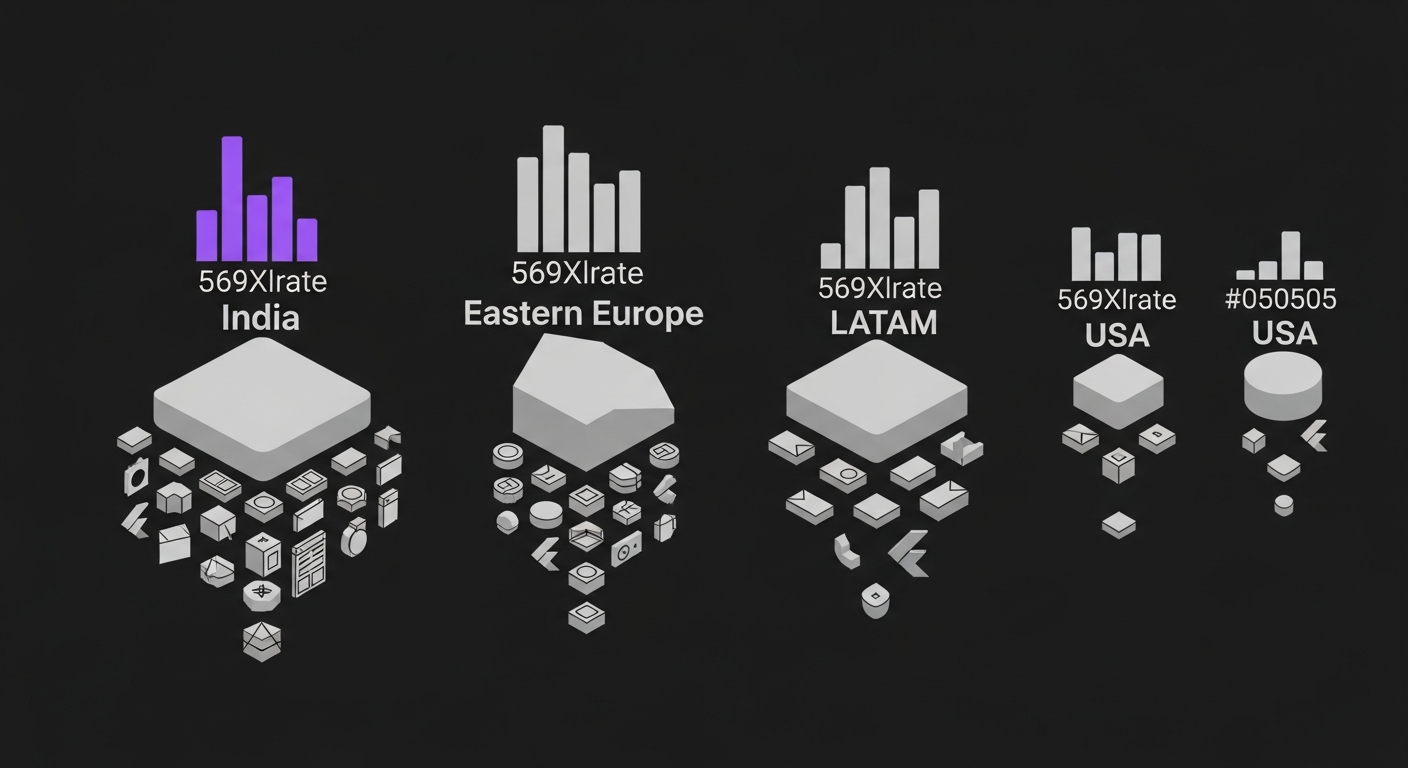
Flutter Developer Hourly Rates 2026: India vs US vs Eastern Europe vs LATAM
Honest 2026 comparison of Flutter developer hourly rates across India, USA, Eastern Europe, and LATAM. Real numbers from our hiring desk, not vendor marketing.
Hire vetted, AI-accelerated Flutter developers.
From $18/hr Junior to $60/hr Lead. 48-hour developer match. 30-day replacement guarantee.